More than 40 % of small business owners around the world say that payroll and taxes are the most difficult tasks for them to deal with.
This seems quite shocking, considering the fact that this task involves nothing more than basic arithmetic calculations – hours multiplied by pay rate and then taxes being subtracted from the figure to arrive at the salary. However, what complicates this calculation is that it exists within a framework of legal requirements which keep changing frequently.
Payroll software exists because that system is too complex and too high-stakes for a spreadsheet to manage reliably at any meaningful business scale.
What Is Payroll Software? (Definition)
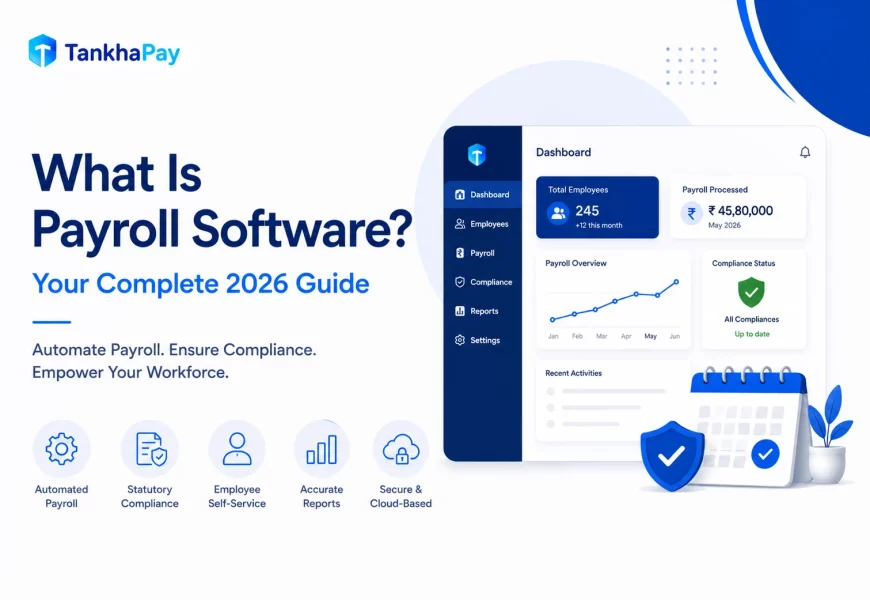
Payroll software is a digital system that automates the calculation of employee compensation, the deduction of taxes and statutory contributions, the disbursement of net pay to employee bank accounts, and the filing of required reports and returns with government tax authorities. All according to the applicable laws of the jurisdiction where the business operates.
Modern cloud-based payroll software does this automatically: when a law changes, the software updates. When an employee’s tax situation changes, the calculation updates. When attendance data flows in from a time-tracking system, the gross pay is computed without anyone transferring data between tools.
That is the core payroll software definition that separates it from a salary spreadsheet: the software knows the rules, applies them, and updates itself when the rules change.
What Does Payroll Software Actually Do?
The functions of payroll software go well beyond salary calculation. Here is what a complete payroll platform handles every cycle:
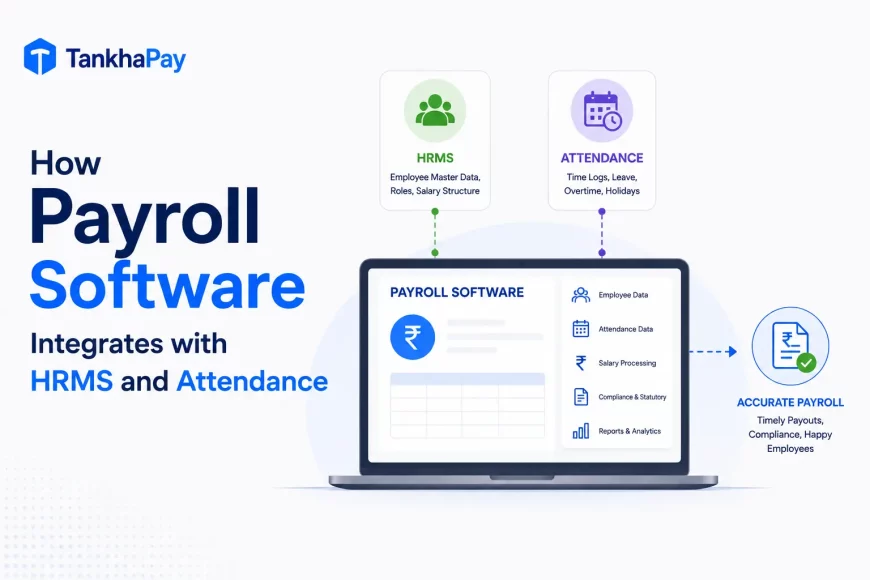
- Data collection Payroll software pulls attendance, leave, and working-hours data directly from integrated time-tracking systems. New hire details, salary structures, and tax declarations are stored in the system and applied automatically.
- Gross-to-net calculation The payroll system calculates the gross pay for each employee, which is their total pay including basic salary, overtime pay, bonus pay, and allowances, and makes all possible deductions, including income tax deduction, social security contribution, health insurance premium deduction, and other relevant deductions.
- Statutory compliance All countries have their unique payroll compliance regulations. Cloud payroll software handles this process automatically by keeping track of any changes to tax tables, contribution levels, and format changes in tax forms without the need for your HR department to keep up with government notifications.
- Payment disbursement The approved salary will be disbursed directly into the bank accounts of employees through mass disbursements. Other payment modes, like cheque payments and prepaid cards, are also available in most payroll software.
- Filing and reporting Payroll software files the necessary tax forms, contribution forms, and statutory filings with the respective governmental authorities. Payroll slips, tax certificates, and payroll records are created using payroll software.
- Employee self-service Employees access their own payslips, tax documents, and payroll records through a mobile app or web portal without contacting HR.
Core Features of Payroll Software
Automated Salary Calculation
The core characteristic of the process is that the gross salary amount is computed by the system, all necessary deductions are made, and the net salary amount is calculated automatically. Thus, human errors are reduced to the minimum as there is only one major reason for errors in the payroll calculations.
Statutory Compliance Management
Cloud-based payroll software maintains an up-to-date database of tax rates, social security contribution rules, and statutory payment obligations for every jurisdiction it covers. When a government updates a rate or form, the update goes live in the software, not in a spreadsheet formula your accountant has to find and edit.
Attendance and Leave Integration
Payroll software works in tandem with the time and attendance software and the Human Resources Management System (HRMS). Thus, such aspects as attendance, approval of time-off days, and deduction in case of lateness are automatically entered into the payroll computation process.
Payslip and Tax Document Generation
The payslips are created and delivered automatically on payday. The tax certificates are issued yearly and provided to the employees via the self-service portal without any HR intervention.
Reporting and Analytics
A payroll system provides reports that are up-to-date or archived concerning labour costs, headcount, liabilities, and payroll. Finance directors get access to up-to-date reports concerning the cost of labour per department, geographic location, or classification of employees.
Audit Trail and Data Security
Each payroll transaction, approval, and modification are documented with a timestamp and the identity of the person who performed the action. This audit trail is the factor that makes the difference between being able to respond to a compliance request instantly or spending several days assembling emails.
Looking for a complete breakdown of payroll software Features? Read our in-depth guide on the core features of payroll software.
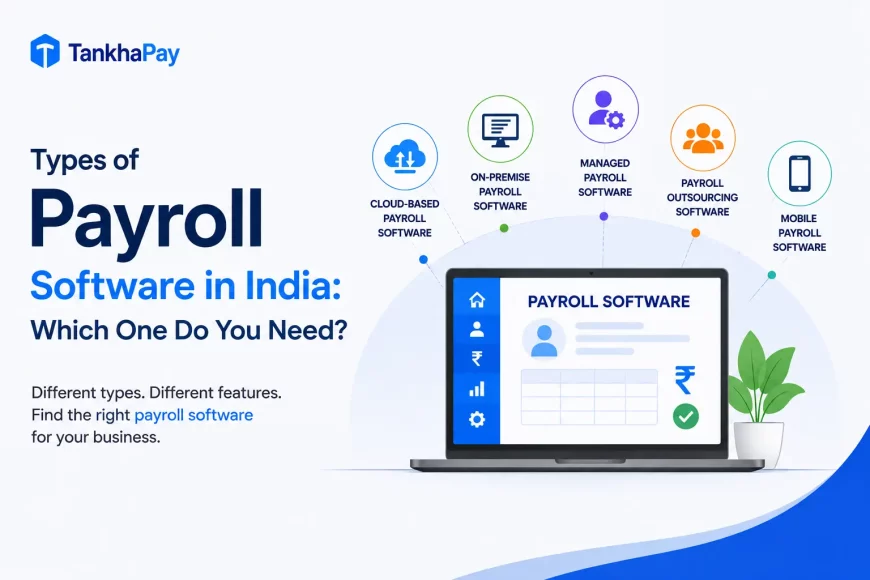
Types of Payroll Software
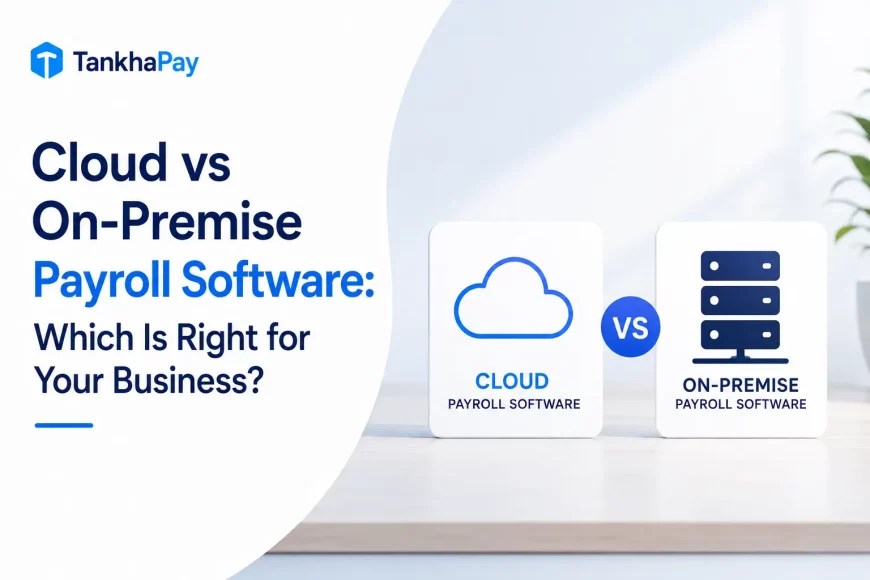
On-Premise vs Cloud-Based Payroll Software
On-premise payroll software is installed on the company’s own servers and managed internally. It requires IT maintenance and manual software updates and does not offer access from outside the office network. Most on-premise systems are being replaced by cloud alternatives.
Cloud-based payroll software is installed on servers belonging to the software provider and can be accessed through a web browser or mobile application. Upgrades, whether due to regulation or otherwise, are performed automatically by the software provider. Data can be accessed anywhere. This is the default way payroll software is purchased in 2026.
Standalone vs Integrated HRMS
Standalone payroll software handles payroll processing only. It requires manual data transfer from attendance, HR, and finance systems, reintroducing the data accuracy problem that payroll software is designed to solve.
Payroll is just one of the modules in an integrated HRMS solution that covers attendance, leave management, performance, and employee data management. There is automatic information exchange between the modules, so manual reconciliation is completely out of the question.
In-House vs Managed Payroll
In-house payroll software allows you to have complete control over the payroll process. The software is set up by your team, executed, checked, and submitted by your team too.
With managed payroll (or payroll outsourcing), another company will run the software for you while your team only needs to approve.
Benefits of Using Payroll Software
When companies use payroll software over manual processes, benefits fall into five clear categories:
Time: A payroll cycle that takes four to six days manually typically takes four to six hours with integrated payroll software. One organisation transitioned from a 4–6 day payroll process to completing everything in six hours after switching to payroll software.
Accuracy: Manual payroll error rates range from 1–8% per cycle. Payroll software errors occur only when input data is wrong, not from calculation mistakes. Payroll mistakes are twice as likely in organisations that do not use a dedicated payroll solution.
Compliance: When tax law changes, the payroll program will be updated automatically, whereas a manual system will be corrected by the person only if he or she knows about the change. The difference in this case is when penalties take place.
Employee trust: If employees are paid according to the schedule and in the right amount, and if they can see their salary details on the payslip, their trust towards the employer will be higher.
Scalability: A manual payroll process for 25 employees does not scale to 250. Cloud-based payroll software handles five employees or five thousand on the same platform, with no increase in processing time per employee.
| How Payroll Software Works — From Data to Bank Account Five steps. Automatic at every stage. No spreadsheet required. |
||||
| ①
📥 Data In Attendance, leave, new hires and salary changes are imported automatically. |
②
⚙️ Calculate Payroll software calculates gross salary, deductions, taxes and net pay. |
③
🔍 Review HR reviews payroll, checks warnings and validates calculations. |
④
✅ Approve Manager approves payroll for salary processing. |
⑤
🏦 Pay + File Employees receive salaries and statutory returns are filed automatically. |
| Cycle Opens Data Sync |
Runs Calculation |
Reviewed Verification |
Approved Release |
Done Paid & Filed |
When Does a Business Need Payroll Software?
Manual payroll is manageable for a business with 10 employees, a single location, and a simple salary structure. It becomes unreliable and legally risky as soon as any of the following conditions apply. This is usually the point where founders start comparing the best payroll software for startups.
- Headcount above 20–25 employees — the error rate on manual payroll at this scale consistently exceeds the cost of software
- Operations across multiple locations or tax jurisdictions — each location adds different statutory rules that cannot be managed in a single spreadsheet formula
- Variable pay, bonuses, or different employee types — contractors, part-time staff, and salaried employees all have different tax treatment that payroll software handles separately and correctly
- Any received compliance notice — a single tax or contribution notice from a government authority signals that the current process cannot be trusted without systematic error-checking
The firms that move to payroll software before being forced by one of the above factors have no problems. Those that wait are pushed into doing it amid difficulties.
Wrapping Up
Payroll software is not a type of tool. Instead, payroll software is the foundation that enables you to properly pay people, legally and on schedule. Real definition of payroll software can be expressed as follows: What does payroll software do for your company that you cannot currently do yourself?
For most businesses, the answer involves at least one of the following: calculating more accurately, updating for regulatory changes automatically, integrating data from multiple sources, or scaling beyond what a spreadsheet can sustain.

The businesses that choose their payroll software based on the features that solve their specific problems get significantly more value than those that choose on price alone.