To choose payroll software according to its feature, use the following process: First, determine whether it satisfies all the statutory requirements (PF, ESIC, TDS, PT for all your functioning states); secondly, check whether it meets the needs of your workforce complexity (shift labourers, contractual labourers, multiple locations); thirdly, consider the degree of automation and integration. Cost must be considered at the end.
Key Takeaways
- Start with compliance requirements, not feature counts. Any platform that cannot handle your statutory obligations natively is the wrong platform regardless of other features.
- The most expensive payroll software mistake is optimising for cost-per-employee without accounting for the compliance and integration gaps.
- MSP Tax, Labor Code 2025 compliance, and Form 130 future-readiness (applicable from Tax Year 2026-27) are mandatory conditions for any business entity in India that considers software in 2026.
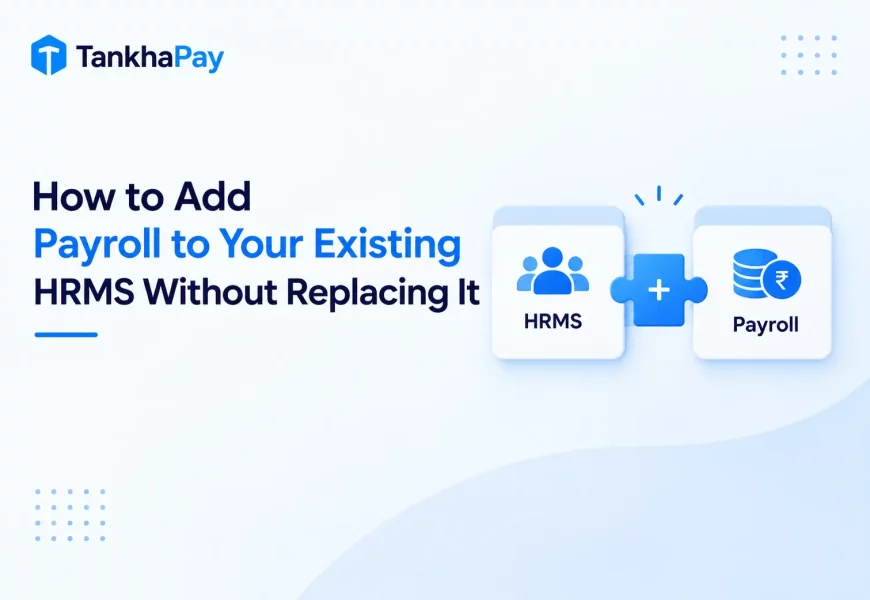
- Integration with your existing attendance, HRMS, and accounting systems saves more time than any individual payroll feature.
- Always run a parallel payroll cycle before going live — one complete month processed on both old and new systems simultaneously.
- The best payroll software for your business is not the one with the most features. It is the one that handles your specific obligations without workarounds.
- Scalability means the platform should work at double your current headcount without a pricing structure that makes growth expensive.
- Use the scorecard and decision matrix in this guide to evaluate vendors objectively — not on the quality of their sales presentation.
Introduction
Deciding on which payroll system to use is straightforward until you realize you’ve chosen wrong after three months. There are literally dozens of software solutions available out there in the market. They are alike in terms of their functionalities, prices, and demo environments.
The critical difference lies neither in the functionality nor price but rather in whether the software suits your legal requirements, integrates easily with your other systems, and works for the number of people in your organization within the year.
This guide gives you a practical evaluation framework to make that decision in under 10 minutes. For an in-depth explanation of every individual payroll software feature, see our complete reference: 25 Payroll Software Features Every Business Should Look for in 2026.
Step 1: Define Your Payroll Requirements
Answer this before evaluating a single vendor.
In order to narrow your choice, build a requirements list from your actual operational reality.
Map your workforce:
- Total employees and expected headcount in 12 months
- Worker types: permanent, contract (covered under the OSH Code, 2020 – formerly CLRA), daily wage, apprentices (NATS)
- Employee location states (different PT and minimum wages)
- Shifts types: Single, Double, Rotating, Night Shift, Overtime
Map your compliance obligations:
- PF and ESIC registration and monthly challan filing
- TDS under the old and new regimes: Do your employees have a mix of both?
- Professional Tax, which states which filing frequencies?
- Contract labour compliance under the OSH Code, 2020 (formerly CLRA) if you use contract labour
- Labour Code 2025: 50% of Basic Wages, F&F Settlement in 2 days, Form 130
Map your systems:
- What type of attendance system do you have? Biometric? Mobile-based? Manual?
- What is your accounting software? Tally? QuickBooks? SAP?
- Which HRMS is it, if any?
- Which bank handles the payment of salaries?
Step 2: Focus on the Features That Matter Most
All payroll software features do not hold the same level of importance for all companies. The common mistake made by evaluation teams is to count features rather than evaluating their importance.
Think in three tiers:
The features that should never be compromised upon right from the start include: automated salary processing, PF/ESIC/TDS compliance, Multi-state PT, self-service for employees, audit trail and banking integration. It is only after a particular HR software passes all these tests that further discussion becomes relevant.
Features that depend on your business needs include a biometric integration for manufacturing, OSH Code contract labour compliance for contract-heavy businesses, shift differential payroll for healthcare and hospitality, multi-currency for companies with international employees.
Advanced features become relevant at scale: AI forecasting, payroll analytics dashboards, global payroll support, and workflow automation are meaningful from 200+ employees onward.
| Feature Tier | When It Matters | Examples |
|---|---|---|
| Essential | From employee 1 | PF, ESIC, TDS, PT, audit trail, ESS |
| Business-Specific | Based on workforce type | Biometric, CLRA, shift payroll, multi-currency |
| Advanced | 200+ employees / enterprise | AI insights, forecasting, global payroll |
Step 3: Evaluate Payroll Software Using a Scorecard
Use this table for assessing multiple vendors concurrently. Give each criterion a score between 1 (poor) and 5 (excellent) and multiply it with the weightage for each vendor to get the weighted score.
| Evaluation Criteria | Importance | Weightage | Vendor A | Vendor B | Vendor C |
|---|---|---|---|---|---|
| India statutory compliance depth | Critical | 25% | /5 | /5 | /5 |
| Labour Code 2025 readiness | Critical | 15% | /5 | /5 | /5 |
| Ease of use (non-payroll users) | High | 10% | /5 | /5 | /5 |
| Automation depth | High | 10% | /5 | /5 | /5 |
| Integrations (HRMS, attendance, accounting) | High | 10% | /5 | /5 | /5 |
| Security and data governance | High | 10% | /5 | /5 | /5 |
| Reporting and analytics | Medium | 5% | /5 | /5 | /5 |
| Customer support SLA | Medium | 5% | /5 | /5 | /5 |
| Mobile experience | Medium | 5% | /5 | /5 | /5 |
| Scalability to 2x headcount | Medium | 5% | /5 | /5 | /5 |
| Total Weighted Score | 100% |
How to use this scorecard: Conduct a live demo for each vendor using a scenario from your actual operations — not the vendor’s sample data. Score after the demo, not during it.
Step 4: Check Integration Capabilities
The weakness of any payroll software comes at the stage of integration. The system that works effectively in processing payrolls but at the same time needs manually entered information from attendance systems, manually exported data to accounting programs and manual creation of files for bank transfers is not a time-saving tool.
Integration checklist:
☐ Integration of HRMS (HRMS is automatically updated once new employees are enrolled)
☐ Integration of attendance (biometric or through an application; should always be API-based)
☐ Integration of Leave management (approved leaves automatically populate LOP)
☐ Accounting software integration (GL entries pushed automatically once payroll processed)
☐ Bank Integration (salary file should be in NEFT or RTGS format of your bank)
☐ Biometric device integration (check whether your biometric device is supported or not)
☐ ERP integration (SAP, Oracle, etc.)
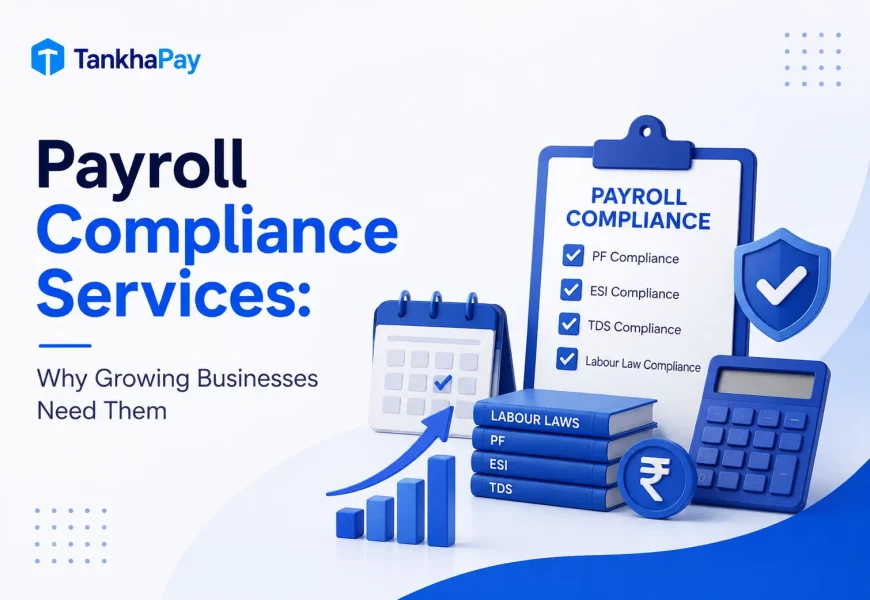
Step 5: Verify Compliance Automation
Compliance automation is the most important category for companies operating in India. If there is any delay in paying PF Challan, 12% annual interest as per Section 7Q and damages as per Section 14B, which is 1% per month post the 2024 amendment in June, will be imposed on the company. PT has different rates, slabs, and submission periods in 18 states.
Compliance verification checklist:
☑ PF (ECR created and uploadable in EPFO site without any manual intervention)
☑ ESIC (challan creation based on correct employer contribution rate, i.e., 3.25% with automatic eligibility check)
☑ TDS – both new and old tax regime managed together based on employee declaration
☑ Form 130 readiness confirmed for Tax Year 2026-27 onward (the vendor should confirm they will issue Form 16 for FY 2025-26 as required now, and Form 130 from TY 2026-27)
☑ PT setup in all states where you have employees – not only big states
☑ Labour Code 2025 – calculation of PF based on 50% basic salary
☑ Labour Code 2025 – ability of settling F&F in 2 days
☑ Calendar with automated reminders prior to deadline for filings
Step 6: Think Beyond Today’s Requirements
Your chosen payroll platform must support twice your existing volume of operations without upgrading, redevelopment, or replacement of the vendor.
Future-readiness checklist:
☐ Support for multiple legal entities/subsidiaries on one platform
☐ Payroll processing with branchwise reporting
☐ Flexibility to get managed payroll outsourcing when your team capacity is changed
☐ EOR services for recruitment into the states/countries from which you do not have any entity
☐ Payroll services for businesses that want to expand beyond India
☐ API integration facilities as per your tech stack needs
The move from payroll software to managed payroll outsourcing is a common growth transition. Choosing a vendor that offers both from the same platform means you can change your operating model without migrating your data.
Payroll Software Decision Matrix
| Business Type | Must-Have Features | Watch For |
|---|---|---|
| Startup (under 50 employees) | PF/ESIC/TDS from day one, ESS, mobile app, fast setup | Overpaying for enterprise features; check pricing at 100+ employees |
| SME (50–500 employees) | Multi-state PT, biometric integration, GL sync, maker-checker workflow | Weak compliance update process — ask when PT rate changes are applied |
| Enterprise (500+ employees) | Multi-entity, payroll analytics, CFO dashboards, EOR capability | Check actual audit trail immutability, not just “audit-ready” claims |
| Manufacturing | Shift payroll, biometric integration, OSH Code contract labour registers, ESIC at scale, Bonus Act | Biometric device compatibility — confirm your specific model before signing |
| IT & Software | Variable pay, ESOP taxation, TDS dual-regime, multi-city PT | ESOP perquisite tax handling under Section 17(2) — many platforms miss this |
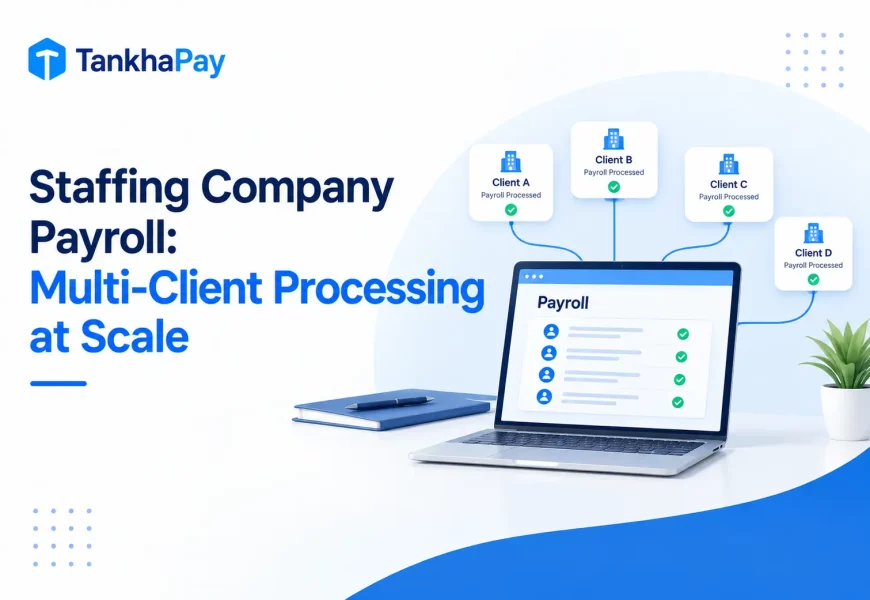
| Staffing Company | Contract worker payroll, OSH Code compliance, rapid onboarding/F&F, multi-client reporting | F&F automation quality — staffing has high daily exit volume |
| Healthcare | Shift differential, ESIC for clinical staff, locum payroll | Off-cycle payroll for locum doctors paid per session |
Payroll Software Evaluation Checklist
Use this during vendor demos. Check each item only when you have confirmed it in a live test, not when the vendor has confirmed it verbally.
Core Functionality
☐ Automated salary calculation for your salary structures
☐ CTC multi-component support (Basic, HRA, LTA, Allowances & Variable Pay)
☐ Mid-month onboarding and offboarding payroll processing
☐ Statutory Compliance
Statutory Compliance
☑ PF ECR creation without the need to manually edit
☑ ESIC Challan creation at right rates with automated enrollment
☑ TDS filing under the old & new tax regimes
☑ Creation of Form 130 (and not Form 16)
☑ Professional Tax collection from all your states
☑ Labor Code 2025 update done and live
Workforce and Attendance
☐ Attendance synchronization (your particular system verified)
☐ Compatibility of biometric device (your particular model verified)
☐ Leave synchronization with automatic calculation of LOP
☐ Calculation of shift differential (if any)
Employee Experience
☐ Employee self-service portal with payslip, Form 130, declarations
☐ Mobile app tested on a mid-range Android device
Finance and Reporting
☐ GL journal entries generated after each payroll run
☐ Accounting software integration (your specific tool)
☐ Bank transfer file in your bank’s required format
☐ Department or cost-centre level payroll reports
Security and Controls
☐ Implementation of role-based access control per team requirement
☐ Immutable audit log (can’t be deleted by admin)
☐ ISO 27001 Certification is validated
☐ DPDP Act 2023 Compliance is validated
Operations
☐ Maker-checker sign-off process
☐ Compliance reminders before deadline
☐ Parallel run prior to go live
☐ SLA for customer support in payroll day issues signed off in writing

Common Payroll Software Buying Mistakes
Businesses usually purchase payroll solutions based on cost factors or brand presence, only to realize the weaknesses three months later through their first notice of non-compliance or system failure to integrate.
The process is predictable – procurement is concerned about cost-per-employee, IT with infrastructure, while no one considers how many statutory requirements have to be fulfilled by that solution starting day one. Non-compliance, poor multi-state PT functionality, and lack of parallel processing before live launch comprise most post-decision disappointments.
The second failure is purchasing on the basis of today’s numbers but for tomorrow’s. A platform designed to work well at 50 people can become prohibitively expensive at 200 or have to be redesigned to accommodate several entities, international hiring, or payroll outsourcing.
FAQs
How do I evaluate payroll software for my specific business size?
Evaluate based on the true nature of your compliance requirements and the nature of the workforce. A small startup with 20 employees needs quick implementation, automation of PF/ESIC/TDS, and self-service capabilities. A manufacturing company with 500 employees needs biometrics integration, CLRA compliance, and multi-location PT functionality. Refer to the decision matrix provided in this guide for identifying your own priorities.
What is the first thing to check when comparing payroll software vendors?
Compliance with statutory regulations. Ask for the demonstration of generation of PF ECR, ESIC challan preparation, TDS under both tax regimes, and PT in the specific states you have. If any of these requires manual workarounds, then such vendor is automatically ruled out without going into the matter of costing.
What does Labour Code 2025 compliance mean for payroll software?
These three changes are related to 50% basic salary being used for calculating PF & gratuity, 2-day F&F settlement requirement which mandates automation for high attrition companies, and Form 130 has replaced Form 16 in new Income Tax Act from Tax Year 2026-27 onwards.
How long does payroll software implementation actually take?
Two to four weeks of proper execution time, which entails data migration, salary structure setup, statutory setup, attendance integration, and doing the parallel run. The “setup within minutes” that some vendors claim refers to account setup, not system setup. The parallel run alone can take an entire payroll cycle.
How should a CFO evaluate payroll software?
Emphasize real-time labor cost dashboards instead of month-end exporting, payroll reporting at the cost centre level, non-modifiable audit trails, and liability forecasting. The payroll system needs to generate payroll cost analysis that can be directly presented to the board without any manual spreadsheet processing; otherwise, it is payroll processing software and nothing else.
What is a parallel run, and why is it non-negotiable?
Parallel testing involves running one complete payroll cycle through both your existing software and the new software at once. This would highlight any misconfiguration that might otherwise impact your employees’ salary payments. No reputable vendor is likely to resist this. If a vendor avoids parallel testing, they are completely shifting the risk of implementation to you.
When should I consider managed payroll outsourcing instead of software?
If your HR team cannot dedicate 3–5 days per month to payroll, if you operate across five or more states with complex compliance, or if you have received a statutory penalty notice in the past 24 months, managed payroll outsourcing is likely more cost-effective than self-operated software.
Conclusion
The correct payroll software is not the one that wins the features comparison table. It is the software that complies with all your compliance obligations at hand, integrates with the systems that you already have in place, and scales with your organization’s growth without needing re-implementation or switching the vendor every two years.
Perform the six steps of the guide as follows: First create your requirements list, then check compliance coverage, use the scorecard to benchmark vendors objectively, test integration with your systems, test compliance with Labour Code 2025, and never go live without running a parallel cycle.
The businesses that get payroll software right are the ones that evaluate it like a compliance and operational infrastructure decision, not a software purchase.
TankhaPay, developed by Akal Information Systems (est. 2000, CMMI Level 5, ISO 27001), is India’s only payroll platform combining payroll software, managed payroll outsourcing, domestic and international EOR, NATS apprenticeship management, and global talent mobility under one platform. Trusted by 1,000+ enterprise clients, including Bank of Baroda and UIDAI.