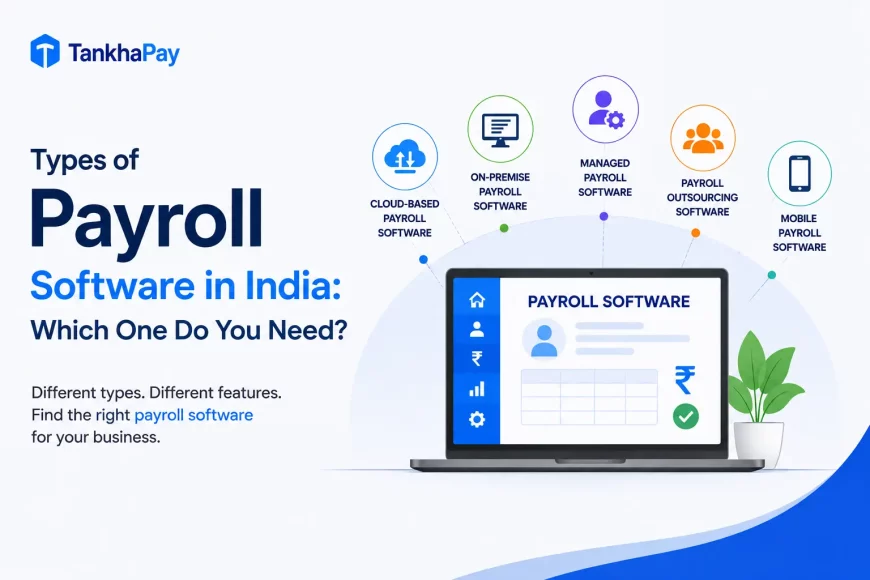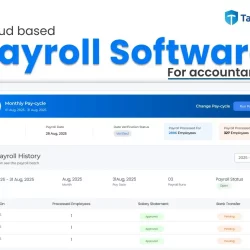
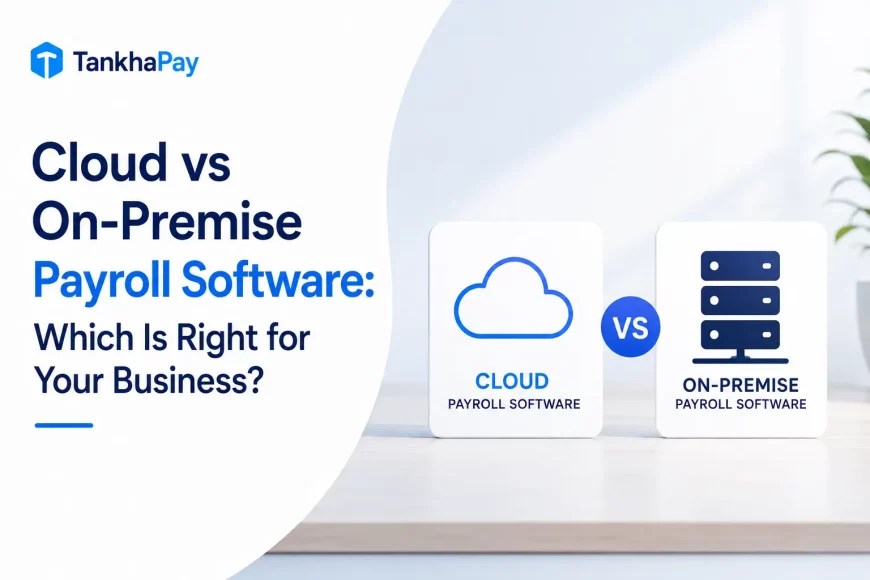
Cloud payroll software is hosted and maintained by the provider and accessed over the internet. On-premise payroll software runs on infrastructure the organization owns and controls. The real difference isn’t where the data physically sits; it’s who is responsible for infrastructure, updates, security, backups, scalability, and system availability when something goes wrong.
Neither of them is always better than the other one. It is not always true that cloud solutions are more secure. Similarly, it is not always true that on-premises solutions are more secure. Lower initial costs do not always lead to lower total cost of ownership. It all depends on your capacity to handle information technology and payroll issues.
Cloud vs On-Premise Payroll Software: Full Comparison
| Factor | Cloud Payroll | On-Premise Payroll |
|---|---|---|
| Hosting | Provider’s servers | Company’s own servers |
| Deployment | Remote, provider-managed | Local installation |
| Initial investment | Low | High (hardware, servers, setup) |
| Licensing/subscription | Recurring subscription | One-time license, often plus AMC |
| IT maintenance | Provider | Internal IT team |
| Software updates | Provider-managed, usually automatic | Manual, scheduled by internal IT |
| Compliance updates | Often vendor-managed | Customer’s responsibility to apply |
| Accessibility | Anywhere with internet | Local network or VPN |
| Scalability | Add capacity through the service | Requires additional infrastructure |
| Data control | Vendor-hosted, governed by contract | Fully company-controlled |
| Security responsibility | Shared: vendor infrastructure, your access controls | Entirely internal |
| Backup | Typically provider-managed | Company must configure and maintain |
| Disaster recovery | Depends on vendor’s architecture and SLA | Company must build and test its own |
| Customization | Configurable within the platform | Greater structural control |
| Implementation time | Faster, infrastructure already exists | Longer, needs hardware and setup |
| Multi-location support | Native | Depends on network architecture |
| Internal IT dependency | Lower | Higher |
| Vendor dependency | Higher | Lower |
| Downtime responsibility | Shared, per SLA | Entirely internal |
| Best suited for | Most growing and multi-location businesses | Organizations with existing infrastructure and specific control requirements |
What is Cloud Payroll Software?
The cloud payroll software works on the provider’s own infrastructure, where you can access the application through a browser or apps without any local installation. In this type of cloud service, the hosting, upgrading, and a lot of security architecture work will be done by the provider itself, while managing the user access and payroll system will remain with the business firm.
With the help of a cloud service provider, there will be compliance rules, automated backup, and scalability due to an increase in headcount. There are different levels of control in each cloud service provider.
What is On-Premise Payroll Software?
Payroll software hosted on premises runs on servers owned by the company itself and typically located within the company’s premises or in company-owned data centers. In-house IT staff takes care of everything, from the hardware and network connection to the security patches, backups, and disaster recovery plans. This means that the company has full control over the infrastructure, although all tasks previously taken care of by the cloud service provider are now left to the in-house IT staff.
Cost: Go Beyond the Sticker Price
Cloud payroll cost comprises costs such as subscription charges, installation, customization, and integration, while the support is included. On-premises cost includes software licence costs, server, hardware, database architecture cost, dedicated IT staff labor costs, backup cost, and hardware replacement cost.
This is the way in which most companies tend to make a wrong judgement regarding this decision. It is not the figure that counts, but rather the cost of ownership in 3 to 5 years’ time, including subscription/ license charges as well as labor costs. A platform with a lower monthly fee but weak automation can cost more in internal hours than a pricier one that removes manual work. CFOs evaluating this decision should model TCO across a multi-year horizon, not compare year-one invoices.
Is Cloud Payroll More Secure Than On-Premise?
Security is dependent upon the controls being deployed, not which category is chosen.
In the case of cloud-based payroll, security becomes a shared responsibility; where the vendor protects their own environment (through encryption, monitoring, patching, and data center security), and the company itself handles the management of access control, permissions, and credential handling. On-premise payroll, on the other hand, sees all security, from the servers to the networks to the access control measures, managed by the company alone.
The real issue is not “Which technology is safer?” but “Who is responsible for what control, and can they prove it?” Just ask your vendor whether they have encryption on certain things, who has access to what, how their backup system is tested, and their certification for these statements.
Who Controls the Data?
Payroll data stored in the cloud is managed by the vendor but is subject to the contractual terms regarding how the data may be exported, retained, backed up, and handled in the event that there is a change of vendor. Payroll data stored on-premise is physically stored within company systems.
Neither is necessarily superior with regard to governance considerations. The issue is whether there is clarity within the contractual or internal policy documentation as to data exportability, retention requirements, and audit access requirements.
This is also a statutory question and not merely a contract-based question. The Digital Personal Data Protection Act, 2023, and the DPDP Rules, 2025, provide that your organization will remain responsible for processing the personal data of employees in payroll services irrespective of whether it is being hosted by a cloud vendor or in your servers. Data localization is not mandatory in the DPDP regime, but still, the government can limit cross-border transfer of data to some jurisdictions and require a Data Processing Agreement for processing personal data in the cloud on your behalf. For Cloud-based services, it is important to ensure the actual location of data and DPA of the vendor.
Compliance and Indian Payroll
The deployment model will determine how compliance updates are delivered to your payroll, but not whether your payroll system is compliant or not. PF, ESI, TDS, Professional Tax, and LWF regulations may change from time to time at the central as well as state levels. These compliance updates can be delivered centrally through cloud-based platforms. In an on-premise setup, such updates need to be manually applied by the IT department within the organization.
The deployment model also affects one specific, currently relevant compliance requirement: the OSH Code, 2020, requires digital record-keeping for attendance, wages, overtime, and employment cards, with authorities able to request digital records on short notice through the SHRAM Suvidha Portal. Cloud platforms are digital-native by default. On-premise systems can meet this requirement too, but it has to be built and maintained deliberately rather than inherited from the deployment model.
However, deployment does not assure that compliance will be correct. It all depends on how accurate the provider’s compliance engine is configured for the particular states that you serve as well as the categories of workers that you have.
Which is More Scalable?
Scaling for cloud-based payroll usually occurs through the addition of users or locations into the current system without the need for purchasing new hardware. With on-premise systems, the way to scale would be to acquire new servers and licences and IT resources. In situations where a company needs to increase the number of employees or expand into other states or entities, there will be a clear difference between the two methods.
Integrations
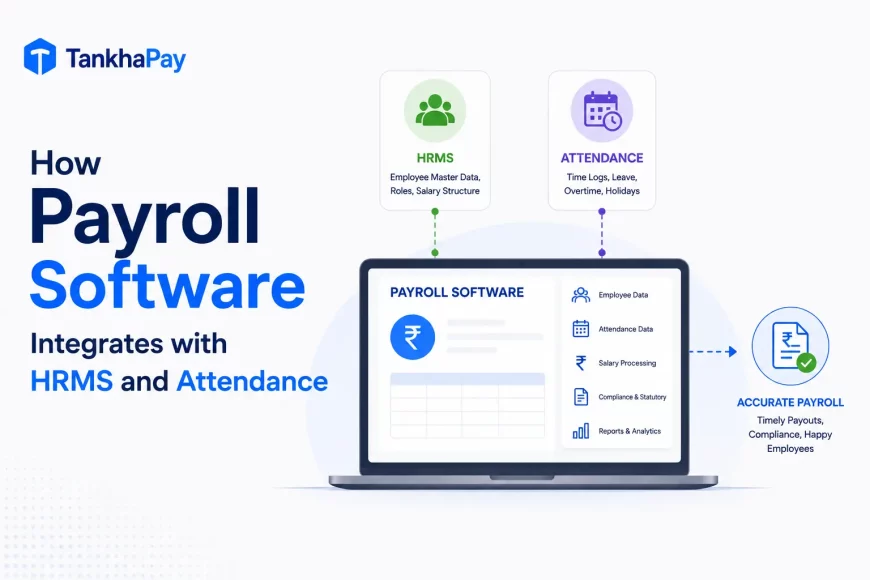
Payroll can’t work alone; it needs integration with attendance or biometric solutions, HRMS, accounting or ERP systems, banks’ rails, and ESS portals. The level of integration can differ greatly depending on vendors, irrespective of whether the payroll is provided via the cloud or on-premises. In some cases, there’s a very deep API integration, while in others it’s a manual import of files; both approaches can be found in any of those categories.
Business Continuity, Backup, and Disaster Recovery
It is here that most comparisons end prematurely. When considering cloud payroll solutions, insist on details regarding the frequency of backups, recovery time objectives, and redundancy, as this responsibility will depend entirely on the design of the vendor’s system and the SLA commitments and not on what “cloud” implies by default. On the other hand, for on-premise, the organization will have to construct, man, and test their own backup processes and redundancy plans, with no vendor as a backup.
Four Business Scenarios
The right model usually becomes clearer against a specific situation than against the comparison table above. Four common ones:
- A 100-employee growing company: Payroll complexity and headcount will likely outpace a small internal IT team’s capacity to manage infrastructure. Cloud reduces that burden and scales without new hardware, generally the more practical fit unless there’s a specific existing infrastructure investment to protect.
- A 2,000 to 5,000 employee multi-location organization: The deployment of the system can matter little in comparison with the ability of the software vendor to handle integration with the HRMS and ERP systems that you may already be using and their disaster recovery capabilities.
- An enterprise with strong existing internal IT infrastructure: On-premise can still make sense if there’s a genuine data governance requirement, existing server investment, or integration need that a cloud platform can’t meet, not simply because the organization is large.
- A company replacing legacy on-premise payroll: Before switching to cloud computing, assess the data migration scope (master data of employees, payroll history, and legal records), the duration of the parallel run, and the extent of necessary integration changes. Miscalculation of these aspects leads to the majority of problems with a cutover process.
15 Questions to Ask Before Choosing a Deployment Model
Most vendor conversations answer these eventually, but asking them upfront and in writing surfaces gaps a sales demo won’t.
| Question | Why It Matters |
|---|---|
| Where is payroll data physically hosted? | Governs jurisdiction and access |
| Who manages infrastructure day to day? | Defines your operational burden |
| Who handles backups, and how often? | Determines recovery risk |
| Who performs the compliance updates, and how quickly? | Affects statutory accuracy timing |
| What security controls are actually in place? | Tests vendor claims against specifics |
| What access controls exist, and are they role-based? | Governs internal data exposure |
| What happens during downtime? | Clarifies accountability and impact |
| What’s the disaster recovery process and RTO? | Measures real continuity risk |
| What integrations are available today, not roadmapped? | Confirms fit with your existing stack |
| How does the system scale with headcount or locations? | Reveals hidden scaling costs |
| What’s the realistic 3 to 5 year TCO? | The number that actually matters |
| How easily can data be exported? | Determines exit flexibility |
| What if you change providers down the road? | Tests lock-in risk |
| What IT staff is needed internally for this? | Size your real commitment |
| What SLA and support commitments are in writing? | Separates promises from guarantees |
Decision Matrix
As a starting point, not a substitute for the questions above:
| If your priority is… | Likely better fit |
|---|---|
| Remote or multi-location access | Cloud |
| Fast deployment | Cloud |
| Reduced internal IT maintenance | Cloud |
| Scalability with growth | Cloud |
| Existing server infrastructure to reuse | Evaluate on-premise |
| Maximum infrastructure control | On-premise |
| Extensive structural customization | Evaluate on-premise |
| Strong internal IT capability either way | Either, evaluate on vendor capability |
| Modern, real-time integrations | Evaluate specific platform, not category |
| Strict data governance requirements | Evaluate both carefully against contract terms |
Can You Move From On-Premise to Cloud Payroll?
Absolutely, and migrations generally take the same route: mapping and cleansing the employee master data, migrating the payroll and statutory history, rebuilding the integration with the attendance and financial systems, and running a dual payroll cycle on both systems prior to the cutover in order to uncover any configuration problems at an early stage when they can be easily resolved. It’s not the migration itself but the validation of data in the two systems that actually extends the timeline.
Considering Cloud Payroll Software for Your Organization?
When it is clear that cloud computing meets your needs, then you should consider payroll automation, compliance accuracy with PF, ESI, TDS, and Professional Tax, integration with HRMS and attendance, report generation capabilities, security considerations, and scalability issues.
TankhaPay’s payroll software is built as a cloud platform: automated salary processing with statutory compliance, HRMS and attendance integration, and role-based access with logged, timestamped actions across the payroll cycle.
FAQs
What is cloud payroll software?
The hosted or cloud payroll software is supplied by the software company and accessed through the Internet. In this case, the software company takes care of the infrastructure, updates, and most of the security architecture.
What is on-premise payroll software?
Payroll software installed on servers the organization owns and controls, where internal IT is responsible for hosting, updates, security, and backups.
What is the difference between cloud and on-premise payroll software?
The main distinction between cloud computing and on-premise computing is the one that lies in who will be taking care of infrastructure, maintenance, security, and availability: the vendor in the case of cloud computing and internal IT in the case of on-premise computing.
Is cloud payroll cheaper than on-premise?
Although typically less expensive initially, not necessarily less expensive in total over time. Compare costs over a period of three to five years, including IT staff and maintenance of an on-premises solution, not just the initial costs.
Is cloud payroll more secure?
Not necessarily. The security depends on what controls are put in place, not whether the solution is cloud or on-premises.
Which model is better for large enterprises?
That will depend on the infrastructure and governance requirements and not necessarily on the size of the business organization alone. There are many large organizations that adopt cloud payroll systems successfully.
Which is better for multi-location companies?
Cloud is usually easy to use for accessing applications at multiple locations and entities because scalability involves adding users or locations to the cloud system.
How are compliance updates handled in cloud payroll?
The cloud payroll systems usually update statutory rules through a central update system by the vendor. However, this does not guarantee the effectiveness of the update and its timeliness.
What are the disadvantages of on-premise payroll software?
Greater initial costs, slower scaling, full responsibility for security and disaster recovery, and manual implementation of compliance and software updates.
Can a company migrate from on-premise to cloud payroll?
Yes. The process includes moving data of employees and payroll history, reconstructing integration links, and processing payroll in parallel prior to going live. Data validation takes much more time than migration itself.